If you're running a website and looking for a simple way to connect with visitors, adding WhatsApp for websites is one of the easiest wins you can get. Instead of long forms or delayed email replies, users can message you instantly - and that's exactly what modern customers expect.
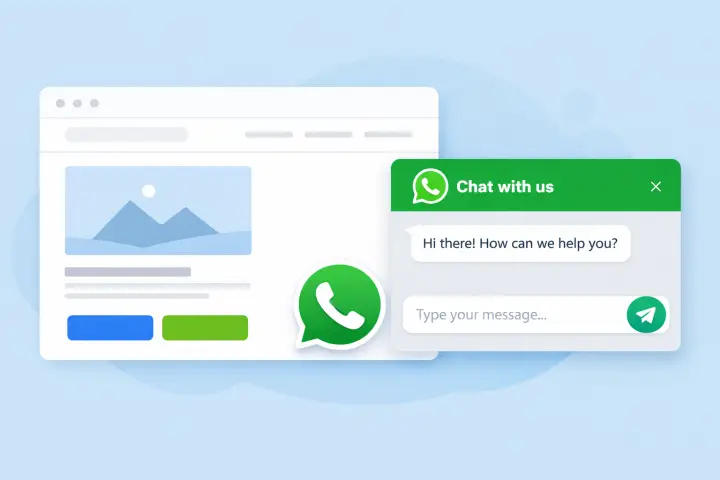
What is a WhatsApp website widget?
A WhatsApp widget (sometimes called a WhatsApp chat bubble or click-to-chat plugin) is a small floating button on your site. When a visitor clicks it, they're redirected to WhatsApp and can start chatting with you right away.
No complicated setup, no backend headaches - just a direct communication channel.
Why webmasters use WhatsApp on their sites
For beginners and even experienced webmasters, this tool solves a real problem: engagement drop-off.
Here's why it works so well:
- Higher conversion rates - users prefer chatting over filling out forms
- Real-time support - answer questions before users leave your site
- Mobile-first experience - perfect for smartphone traffic
- Trust factor - WhatsApp feels personal and familiar
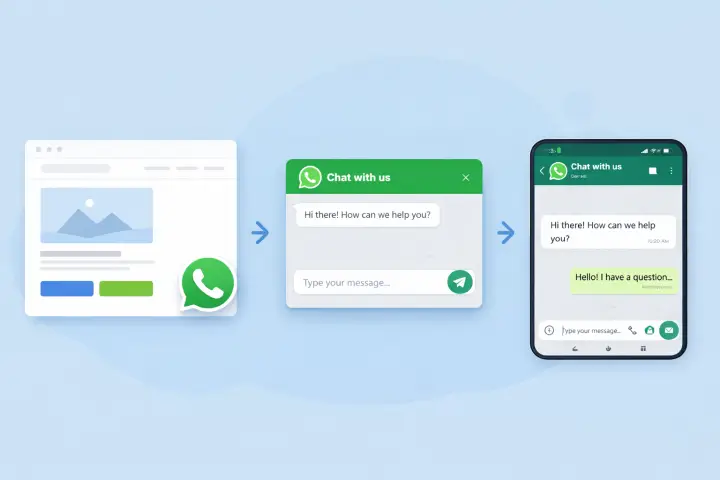
Honestly, many small businesses underestimate how much impact this can have. Even a simple chat bubble can increase leads by 20-30% (depends on niche, but still).
How to add WhatsApp to your website
There are a few ways to integrate WhatsApp:
- Manual link (wa.me) - basic, but very limited
- Custom coding - flexible, but not beginner-friendly
- SaaS widgets - the easiest and fastest option
Most people go with a ready-made solution because it takes just a couple minutes to go live.
For example, with a tool like our widget, you can:
- Customize the chat bubble design
- Add pre-filled messages
- Control display rules (by page, device, etc.)
- Track clicks and interactions
No coding needed - just copy-paste a snippet and you're good to go.
Best practices (that actually matter)
- Don't make it annoying - avoid aggressive popups
- Use a clear CTA like “Chat with us on WhatsApp”
- Set expectations (for example, response time)
- Show it only on key pages (pricing, product, contact)
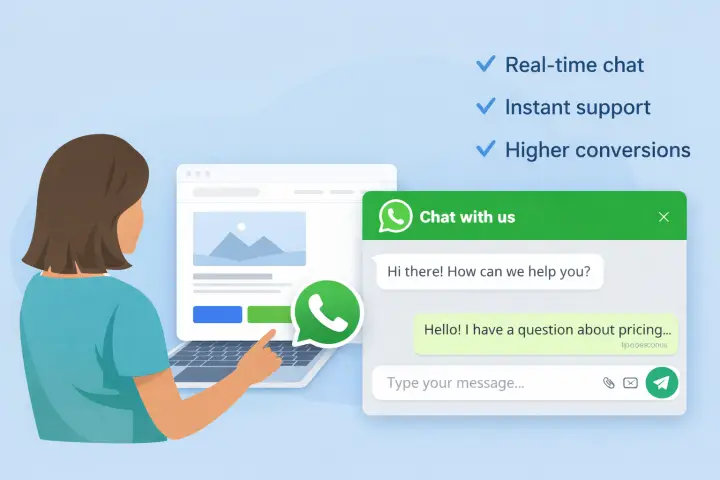
Also, timing matters. Showing the widget after 5-10 seconds often works better than instantly - small tweak, but it works better most of the time.
Common mistakes to avoid
Some webmasters just drop a widget on the site and hope for the best. That rarely works tbh.
- No greeting message
- Wrong phone number format (happens more often than you'd think)
- Widget blocking important UI elements
- Not testing on mobile
Small things, but they can break the whole experience.
Final thoughts
Adding WhatsApp for websites is one of the simplest upgrades you can make to your site. It's fast, affordable, and really effective for lead generation.
If you're just starting out, don't overthink it. Try a simple widget, test different setups, and see what works for your audience. You'll probably be surprised how quickly people start using it.
And yeah - once you see those first incoming chats, you won't want to go back to old-school forms 🙂